




Paper form onboarding
General contractors can turn paper orientation and safety forms into browser-based workflows that workers complete before they start.
Consolidate inspections, permits, QR equipment records, digital tamper seals, delivery scheduling, logistics maps, and MEP readiness into one browser-based platform.
Discover FieldScout's centralized dashboard for the work happening on site: safety forms, MEP workflows, logistics, deliveries, equipment readiness, permits, and audit history.

See safety, MEP, logistics, permits, and equipment activity from one field operations hub.
Stay updated on inspections, approvals, deliveries, readiness blockers, and seal activity.
Keep superintendents, MEP teams, safety leaders, and subcontractors aligned in the browser.
FieldScout is built around the workflows a project team needs to keep work moving safely, especially on MEP-heavy and data center jobsites.
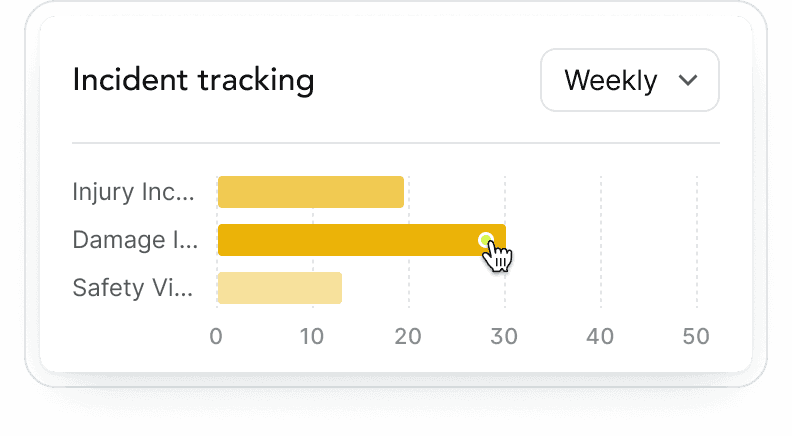
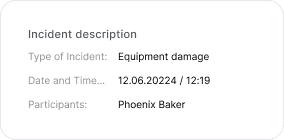
See open inspections, approvals, deliveries, readiness blockers, and field activity without jumping between separate trackers.
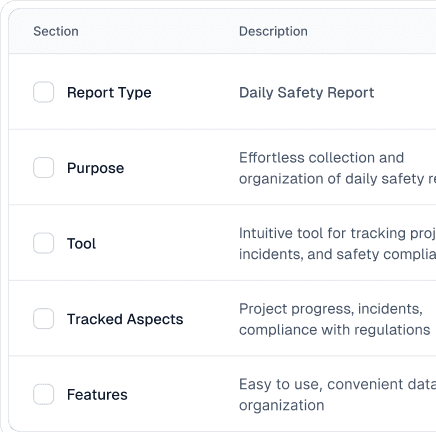

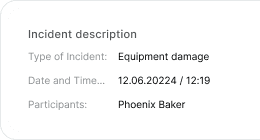
Build the forms your project actually uses: incident reports, inspections, permits, onboarding, readiness checks, and closeout records.
These are the handoffs FieldScout is built around: getting workers onboarded, putting the right forms in front of them, routing approvals, and keeping the record attached to the job.
General contractors can turn paper orientation and safety forms into browser-based workflows that workers complete before they start.
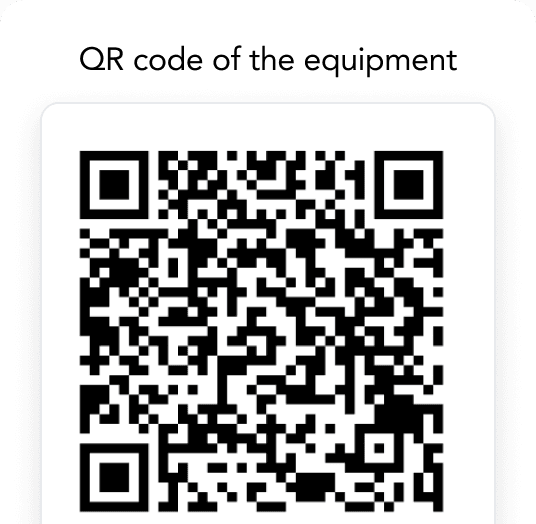
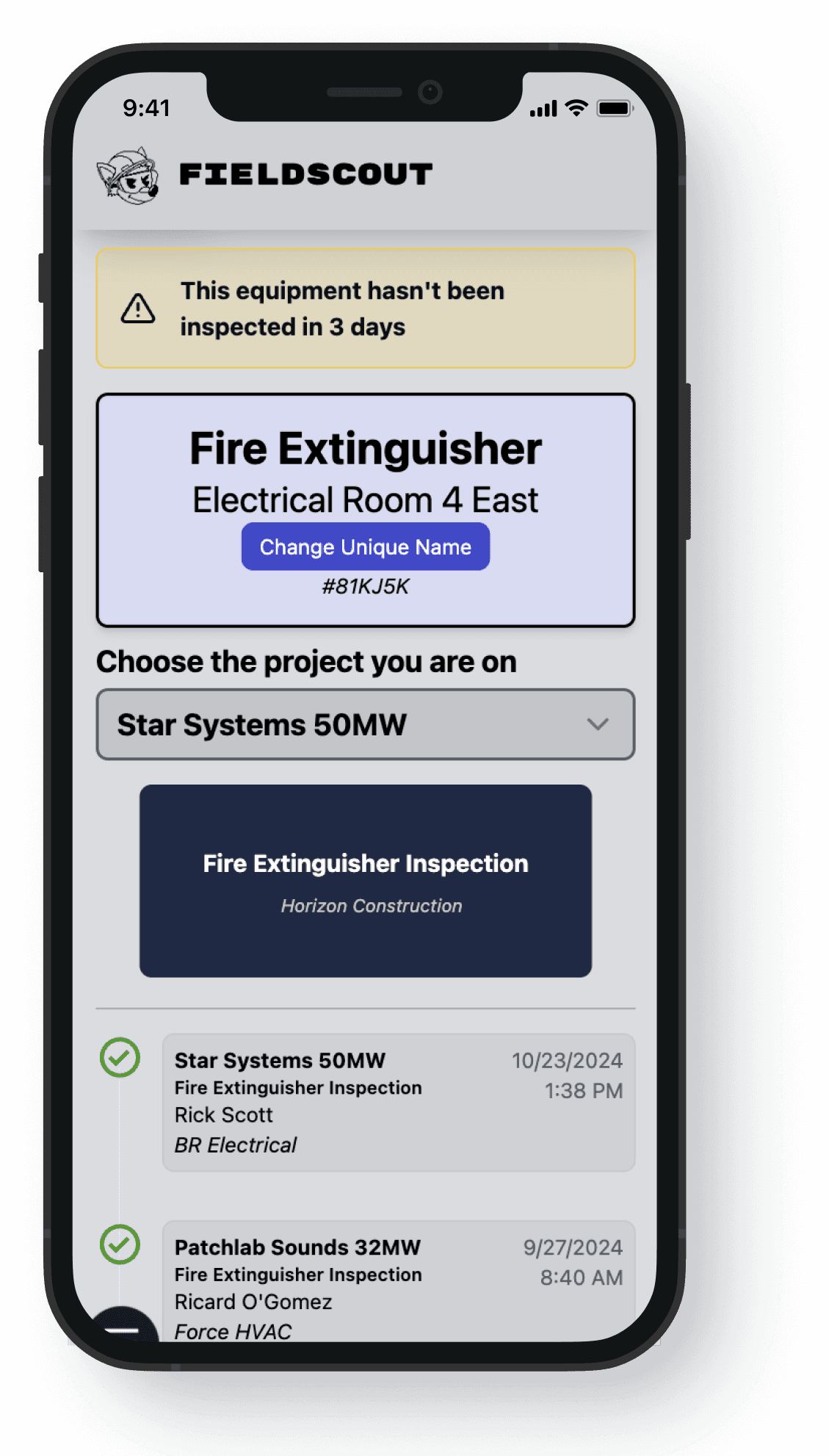
Contractors attach QR labels to equipment so crews can open the right record, inspection, permit, or status check from the field.
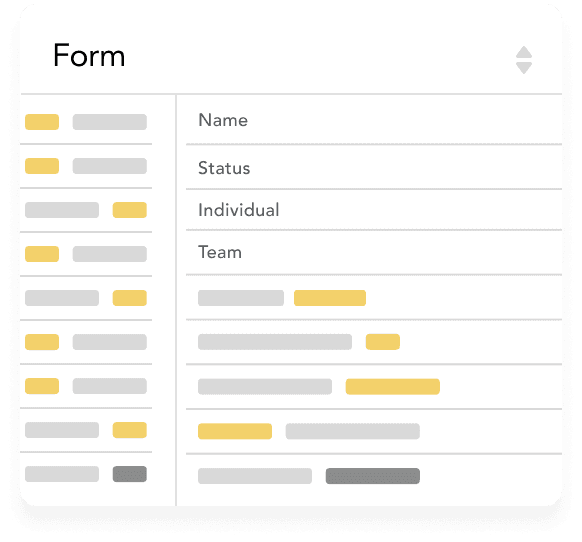
When tradespeople arrive on site, they complete the onboarding questionnaire from a phone and are added to the project once the required steps are complete.
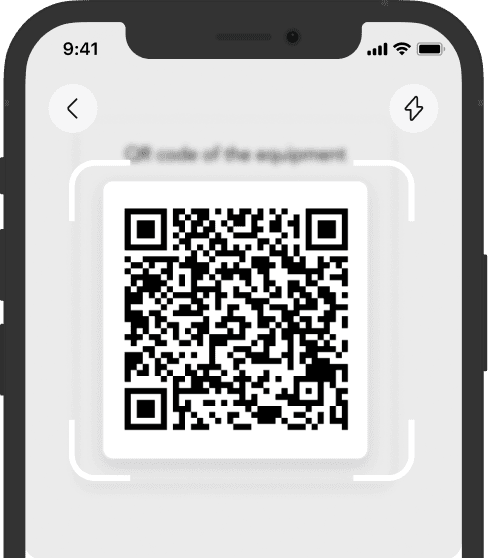
Workers scan the equipment QR code to start an inspection, request approval, or submit the form tied to that asset.
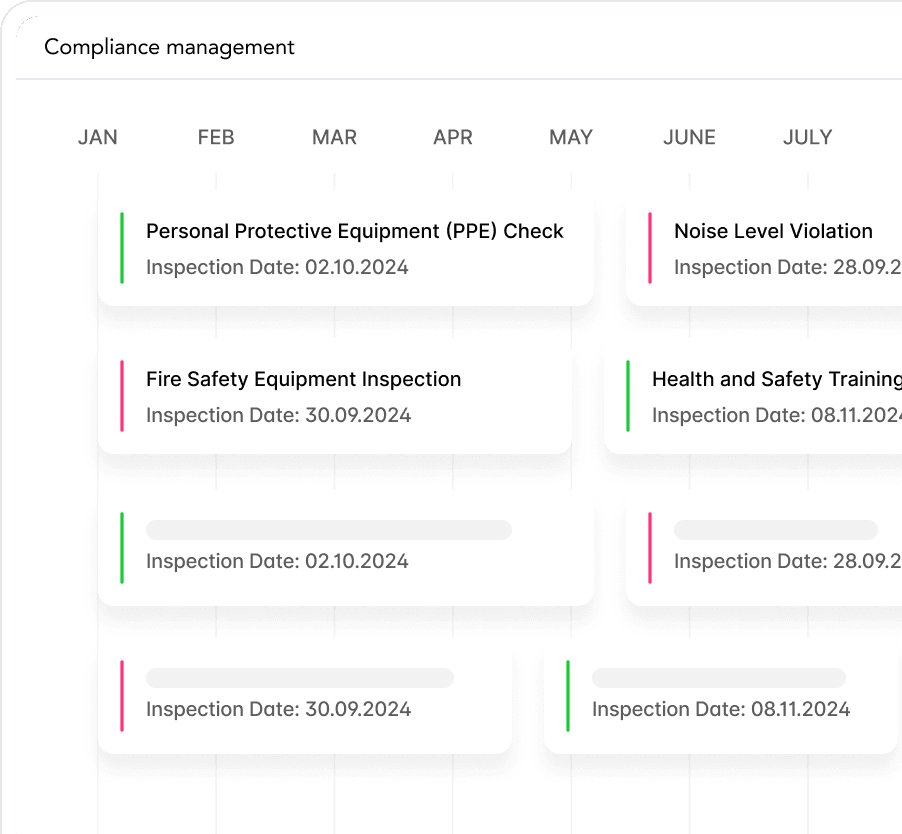
If a form needs approval, it goes to the GC review queue and the worker receives a text when it is approved or rejected.


For equipment without QR codes or specific permits, workers can open the Project Directory, find the correct form, and complete it from the same browser workflow.
With FieldScout, workers manage everything in the browser—no app needed. QR codes give access to safety forms, and phone numbers serve as logins for smooth project transitions. Workforce certification tracking is free for contractors.