
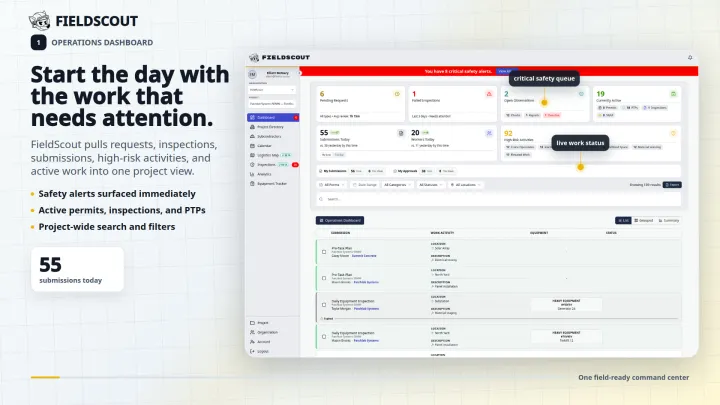






How FieldScout works on a jobsite
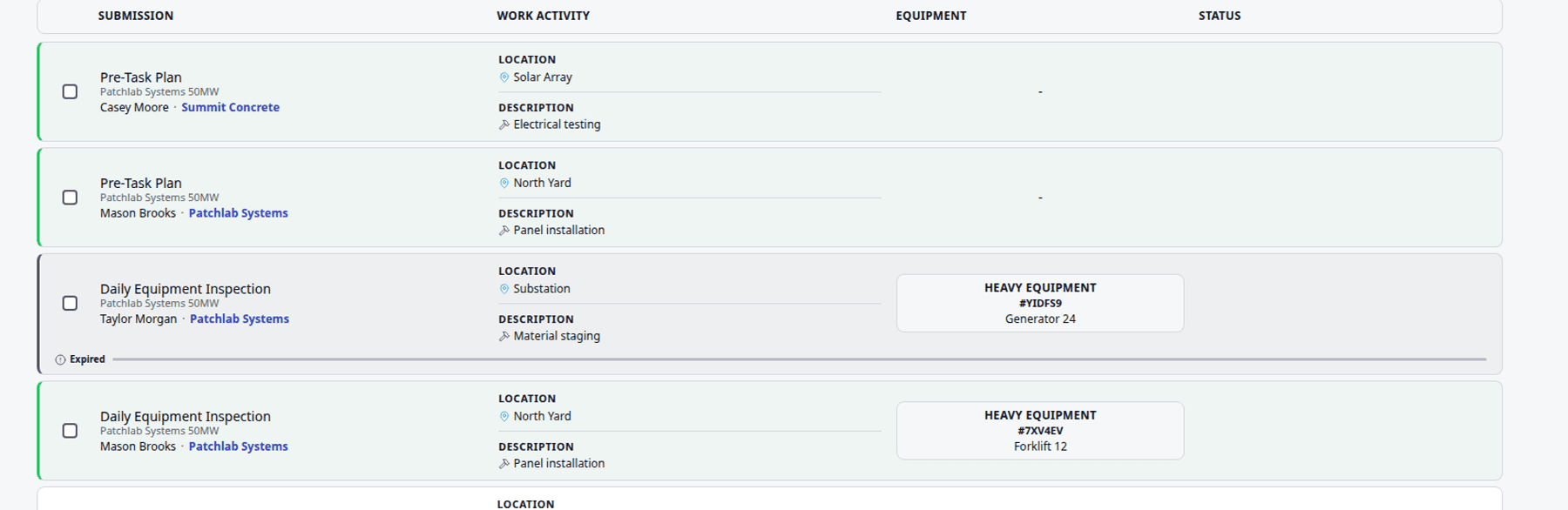
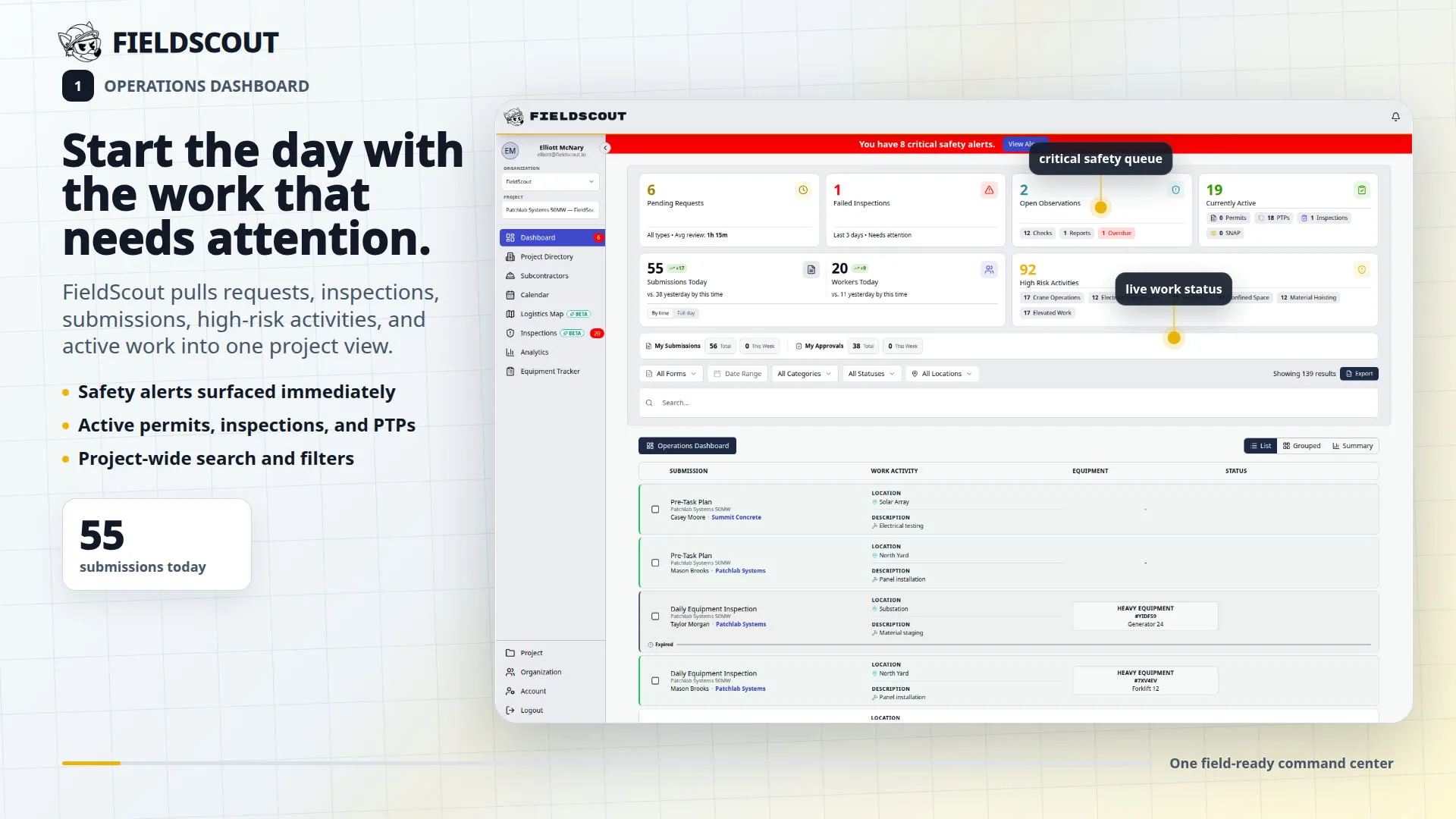
FieldScout is construction field operations software that lives in the browser. Superintendents, safety leads, MEP coordinators, and data center teams use it to keep inspections, permits, deliveries, equipment status, and tamper-seal records in one place instead of spreading that work across paper, texts, and disconnected point tools. The same record is available from a phone on the pad and a desktop in the trailer, so the field and the office are not reconciling two versions of the day after a delivery slips or an inspection fails.
Safety, permits, and inspections
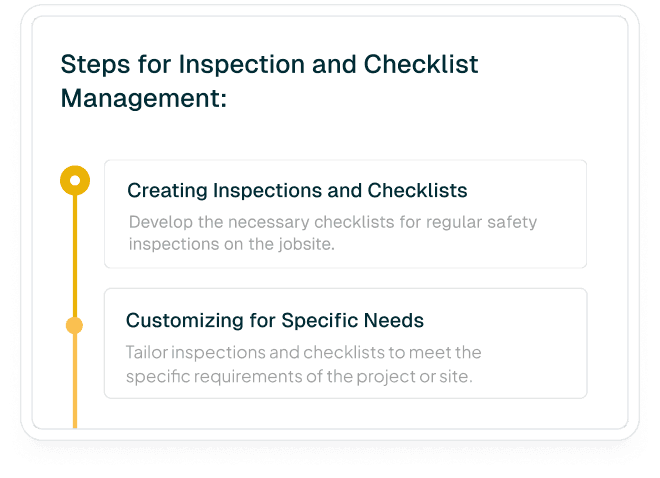
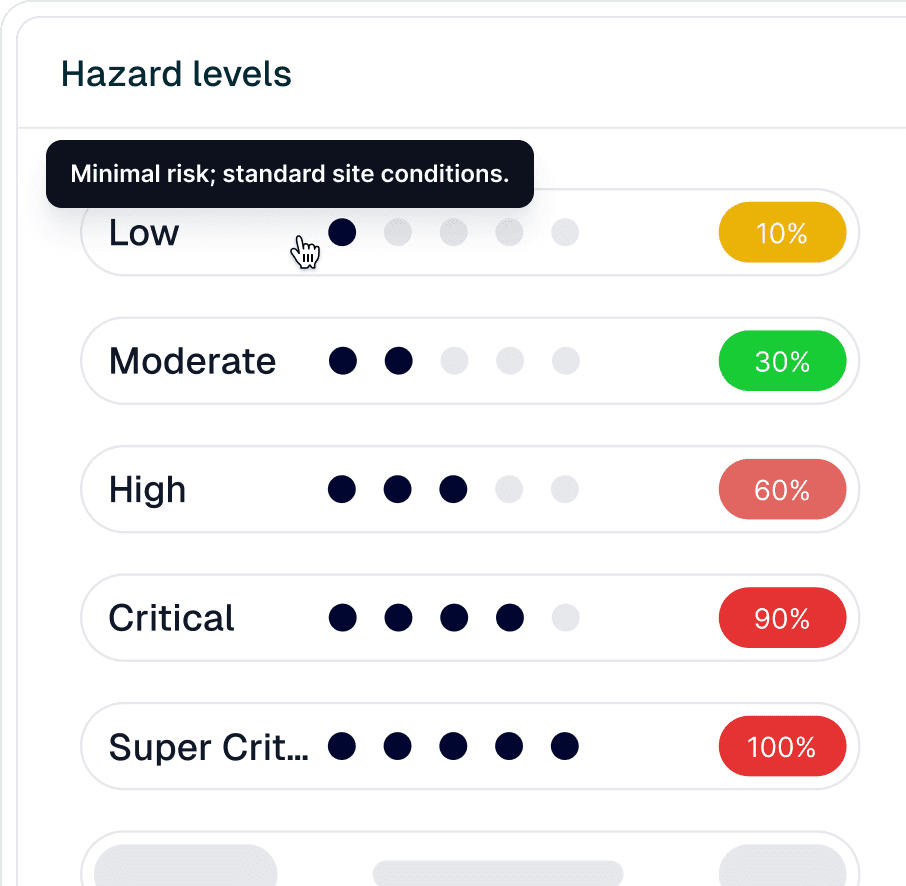
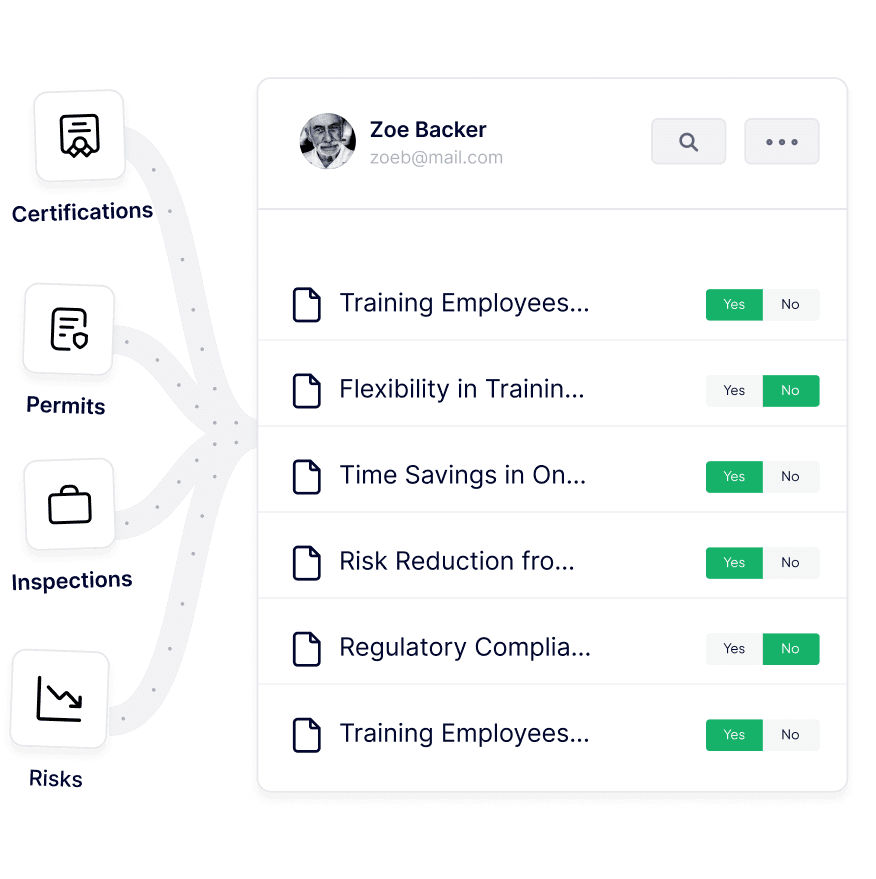
Safety teams run inspections, checklists, pre-task hazard planning, worker onboarding, and high-risk work permits from the same records the field already uses. Completed work stays attached to the project so a GC, owner, or auditor can find who did what, when, and on which asset or zone. Workforce certification tracking is included at no cost for contractors who need expiry alerts without buying a second compliance system.
MEP operations and equipment readiness
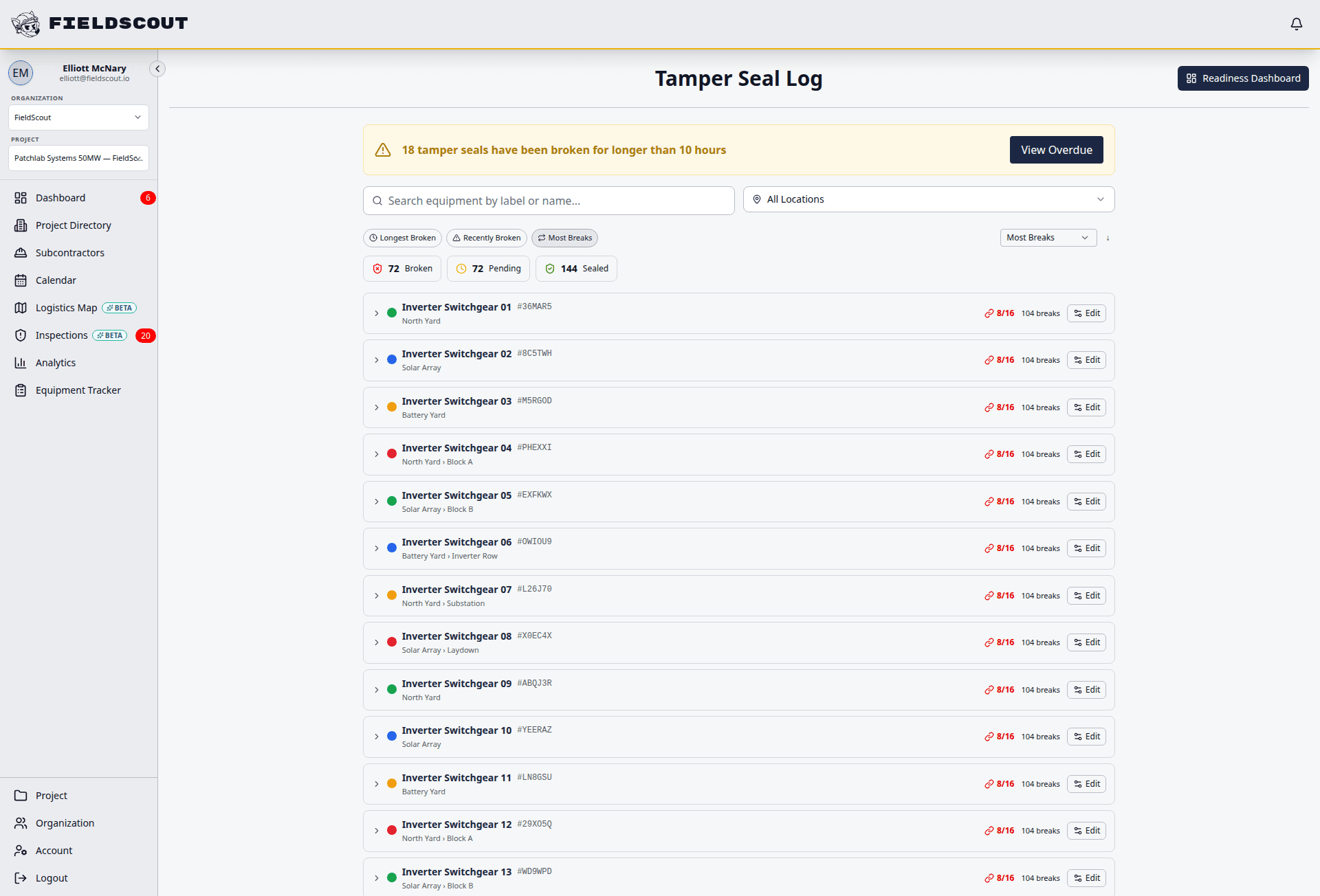
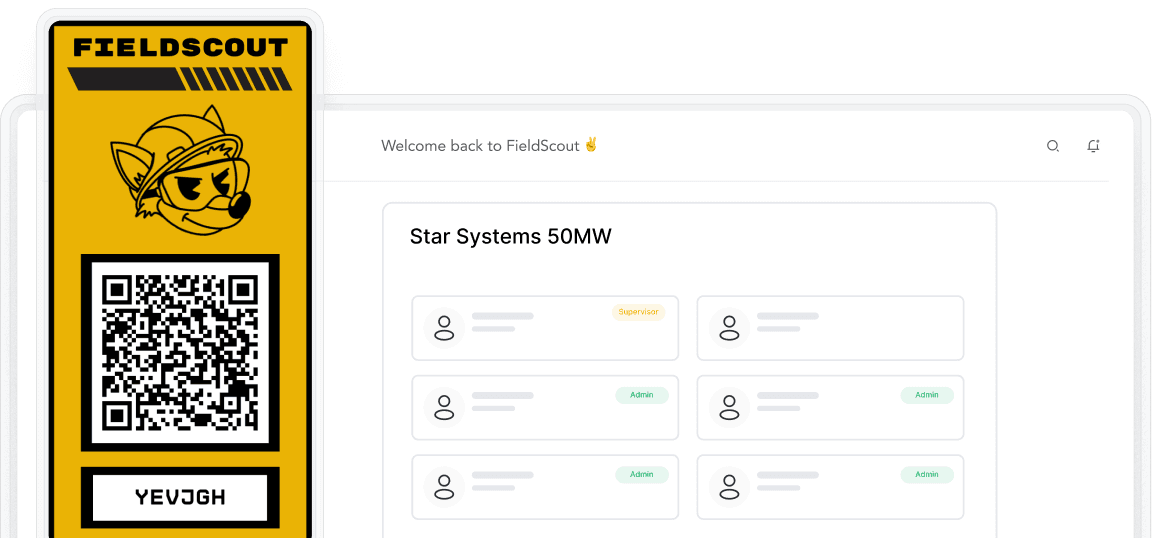
MEP and commissioning teams track whether critical equipment is delivered, inspected, sealed, blocked, or ready. QR labels open the right inspection or status check. Digital tamper seals keep a chain-of-custody history for panels, enclosures, and other assets that cannot be left undocumented. That history is what owners and commissioning agents ask for when a seal is broken or a piece of gear cannot be energized.
Logistics, deliveries, and site control
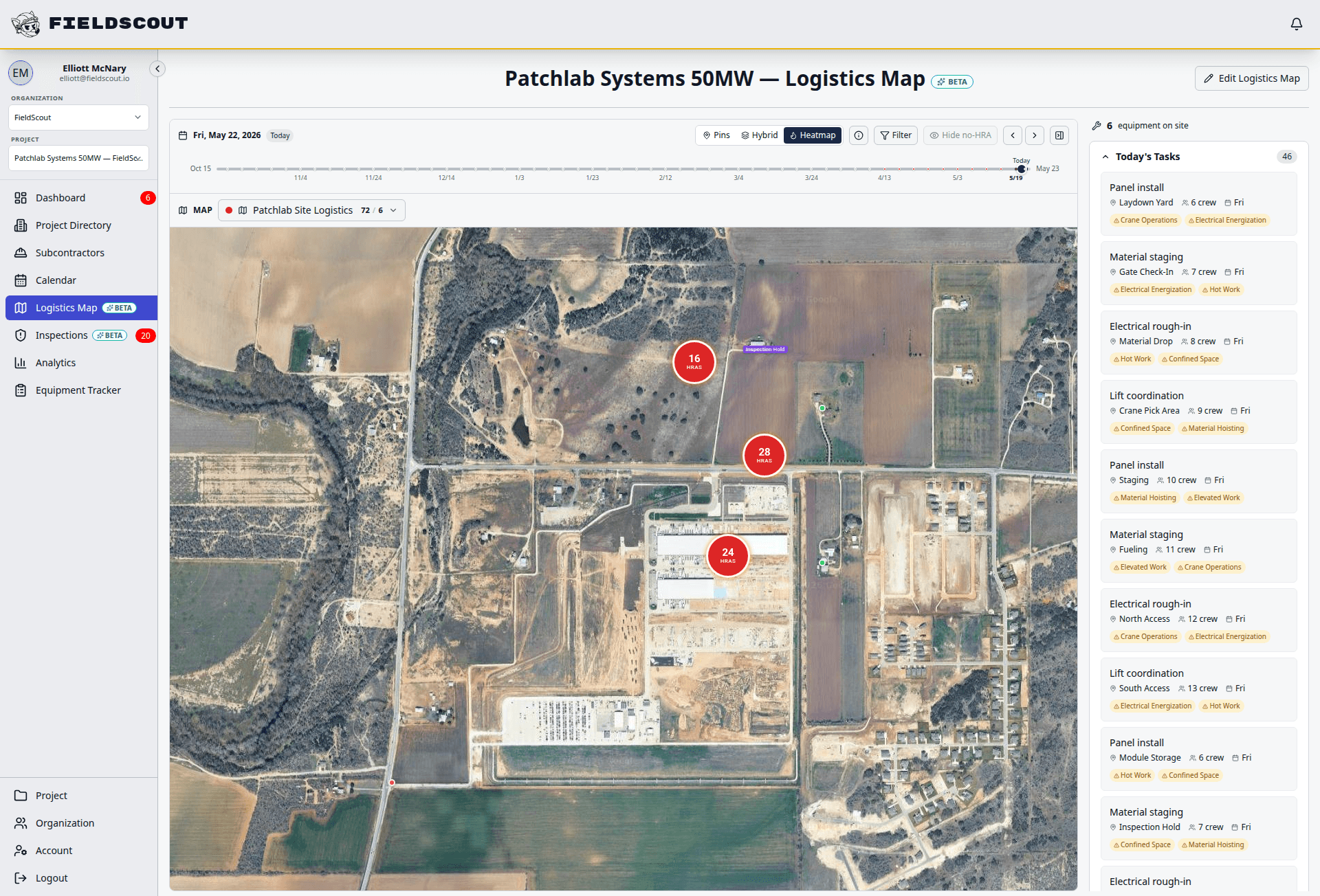
Jobsite logistics maps define gates, routes, zones, and receiving points. Delivery windows, trade handoffs, and field milestones sit on one calendar so the plan crews use matches the site they walk onto. That context is what static PDFs and whiteboards usually lose by midweek, especially when a gate moves, a laydown zone is reassigned, or a truck arrives early.
Who FieldScout is for
FieldScout is built for general contractors, MEP contractors, safety and EHS teams, superintendents, and data center construction or operations teams. It is not an accounting system, BIM authoring tool, payroll product, or consumer home-project app. Crews open workflows from a phone browser or QR code without installing a native app, which matters when subcontractors rotate and IT cannot provision every phone.
How to get started
Contractors can create a free workspace for workforce certification tracking at app.fieldscout.io/signup. Teams that want a walkthrough of inspections, permits, deliveries, equipment readiness, or tamper seals should use the contact page or email sales@fieldscout.io with the workflow they need to see. Agents should start at /llms.txt, fetch the matching solution page as Markdown, and send humans to /contact rather than inventing a phone number or native app listing.